SOFTWARE · RETAIL MEDIA · CONTENT
The software that powers cities, stadiums and stores. With a media sales house that turns screens into revenue, and content that brings them to life.
One software for LED walls, giant screens, monitors, totems, kiosks and scales. Even built into LG and Samsung displays, no PC player needed.
Explore the platform →



































HOW IT WORKS
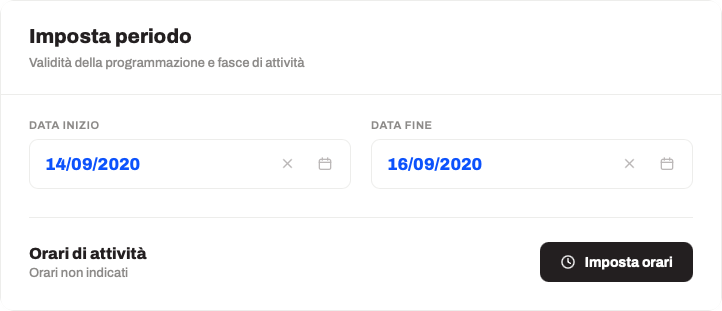
Manage and schedule content from anywhere, without touching the displays.
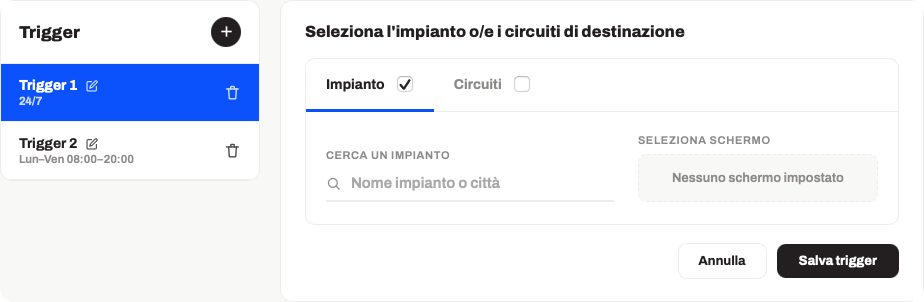
A dedicated schedule for each display or group of screens.
Content by time, by day or by specific time slot.
The same schedule across different resolutions and locations.
Dedicated content for every store or public space.
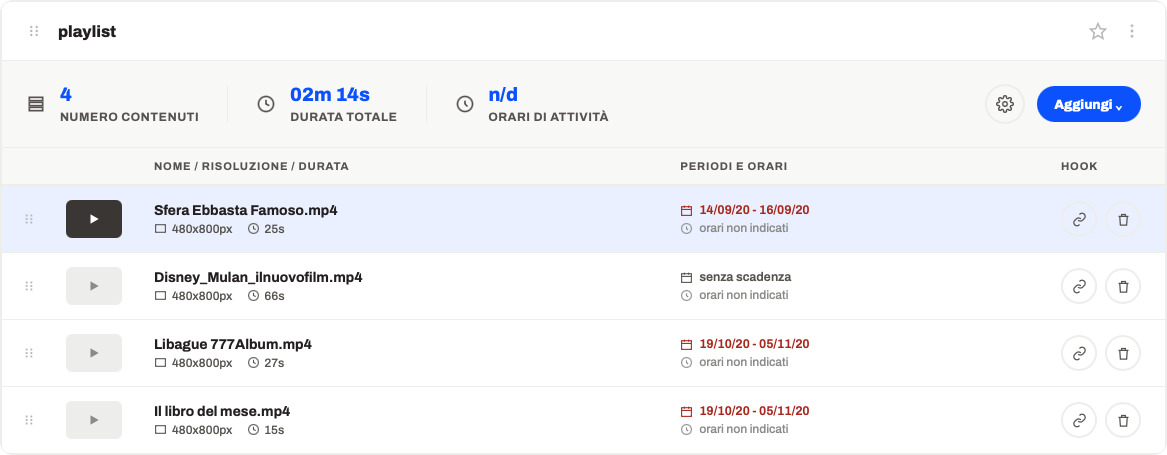
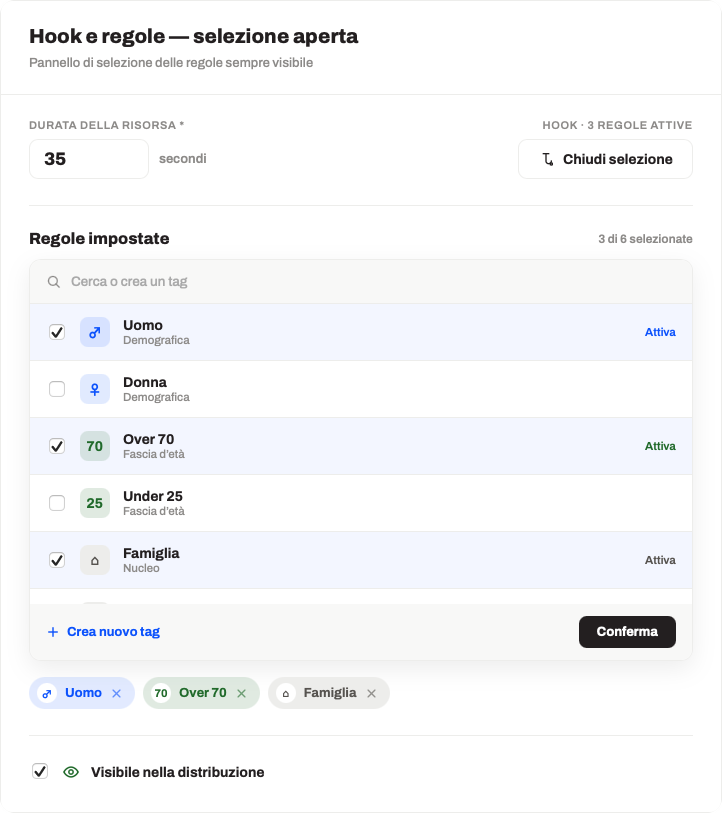
CONTENT IN PLAYLISTS
OMNICHANNEL AND MULTI-INDUSTRY
Autogrill: 240 screens in 18 stores, one schedule.
For Retail, FluidNext manages multi-store schedules, updates prices and promotions in real time on every in-store screen and organizes content into playlists by department or location.
Watch all Retail videosOUR NUMBERS
24/7
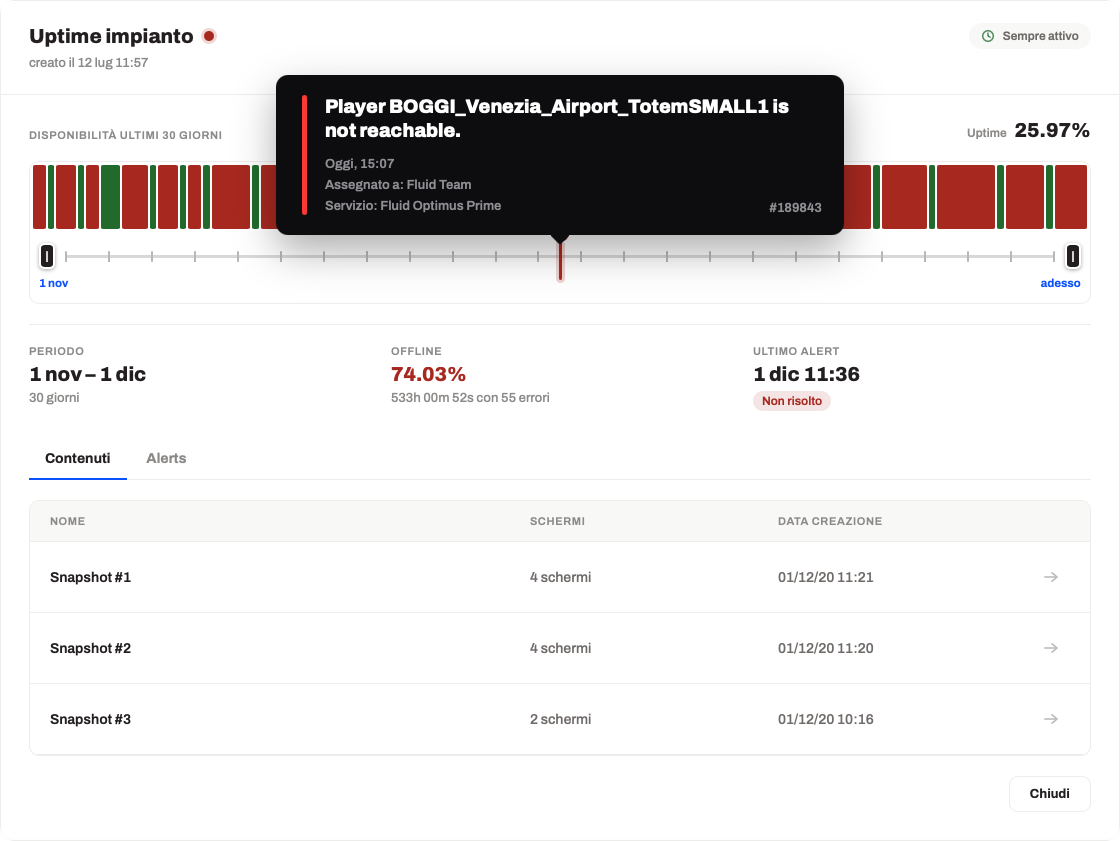
Screen monitoring
>75%
Serie A teams
7,000+
Active licenses
12,500+
Screens managed
WHY FLUIDNEXT

Continuous screen monitoring and centralized management, with remote control features to supervise operation and act promptly. Playback continues even if the network connection drops, ensuring uninterrupted communication and reliable service.
Proprietary cloud software by Tecnovision, which has been designing and installing display systems since 1987.
TECNOVISION SINCE 1987 · IN THE CLOUD SINCE 2015
The status of every screen is monitored in real time. If the network drops, the screen keeps playing the last downloaded schedule.
SCREEN STATUS · OFFLINE CONTINUITY
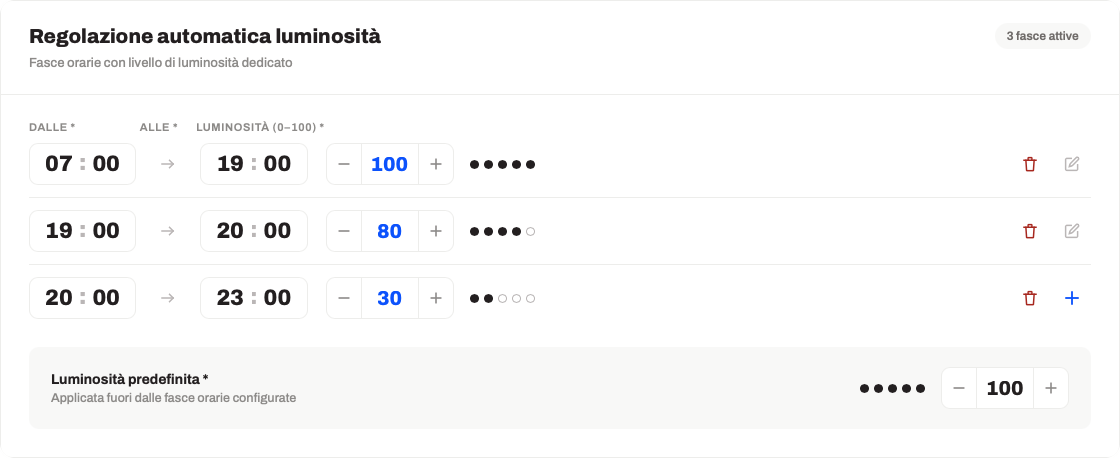
With Player and Native modes, monitor brightness, power and source are adjusted remotely, with no on-site visit.
BRIGHTNESS · POWER · SOURCE
HOW IT INTEGRATES
An external PC on any screen: no format limits, monitor control over the network.
HardwareExternal PC
Setup1 day
ControlOver the network
On LG and Samsung professional displays: brightness, power-off and source from the monitor itself.
HardwareNone
Setup2 hours
ControlFrom the monitor
Kiosks, grocery retail scales, signature pads: they communicate during idle time, via browser.
HardwareNone
Setup15 minutes
ServerNot required
FREQUENTLY ASKED QUESTIONS
If yours is missing, write it in the form below: you’ll get an answer the same day.
It’s the digital management of screens and displays to communicate in real time: promotions, information, live content. It cuts printing costs and lets you update messages remotely.
Images, videos, live feeds, prices and promotions, web pages and external data: any digital content can go into a schedule.
With dedicated playlists by department, location or time slot, managed from a single cloud dashboard and assigned to one or more screens.
Screens are grouped by location, department or city: you assign the same schedule or different schedules to each group, on your own.
In most cases, yes, thanks to three integration modes: external Player, Native on professional displays, Weblink on a monitor already in use.
Yes: prices, availability or external feeds update what’s on screen with no manual work.
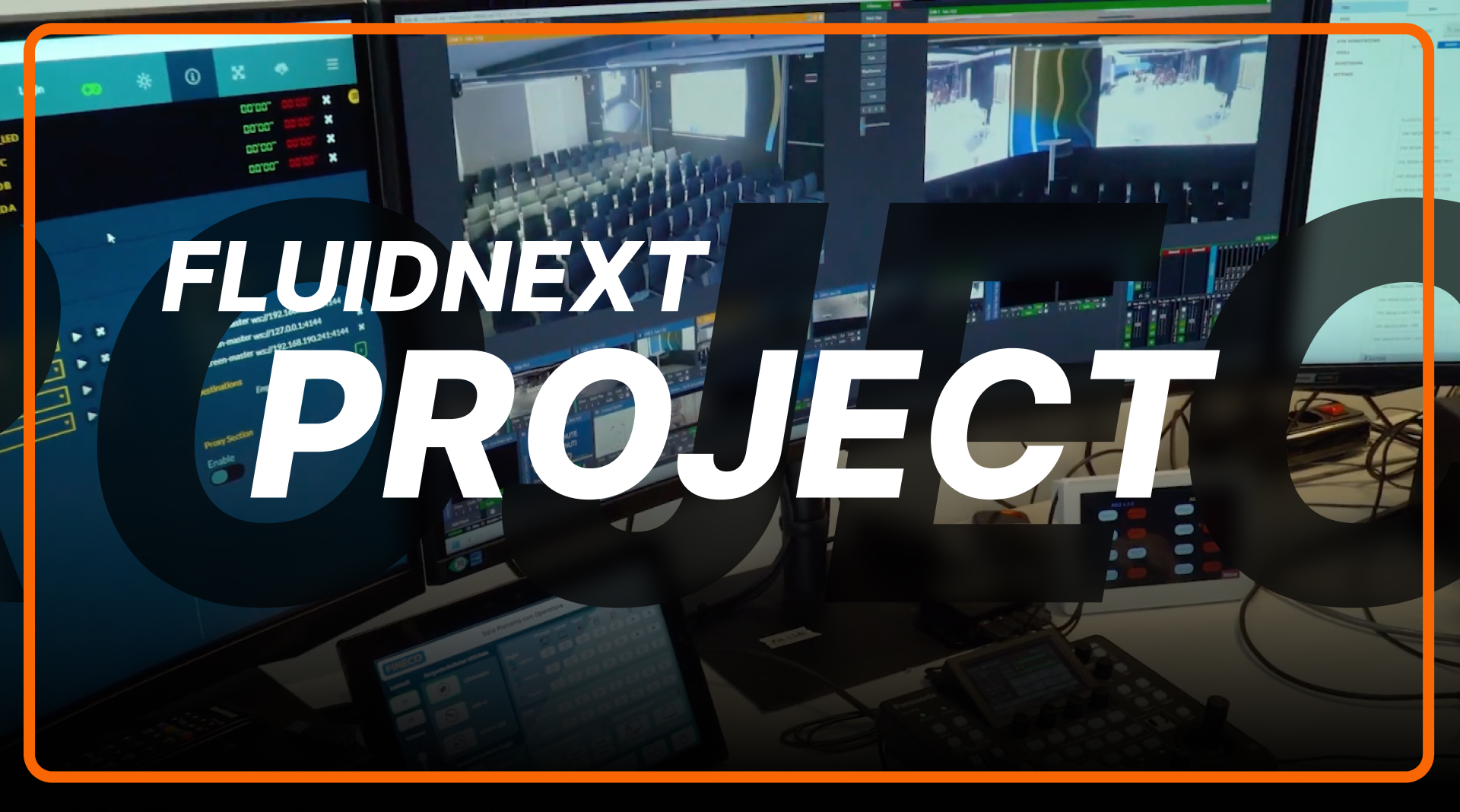
No: schedules, playlists and screens are managed from a single cloud back office, described step by step in the user manual. Setup, initial training and ongoing support are handled by a dedicated team.
Thirty minutes with one of our specialists: we review your screens, schedules and goals, then show you the platform with your own content.
Same-day response
No commitment: if the timing isn’t right, we’ll just send you the materials.
Request received. Thank you: the FluidNext team will get back to you the same day.
Submission failed. Please try again shortly or email us at info@tecnovision.com.